A closer look
Same system.
A different view.
Real desktop captures. Explore the cockpit, everyday tools, themes, and screensavers.
Select any image to enlarge it. Use the left and right arrow keys to explore, and Esc to close. A few captures have small text areas masked for privacy and editorial requirements.
09 captures
The desktop
Everyday tools, right where you need them.
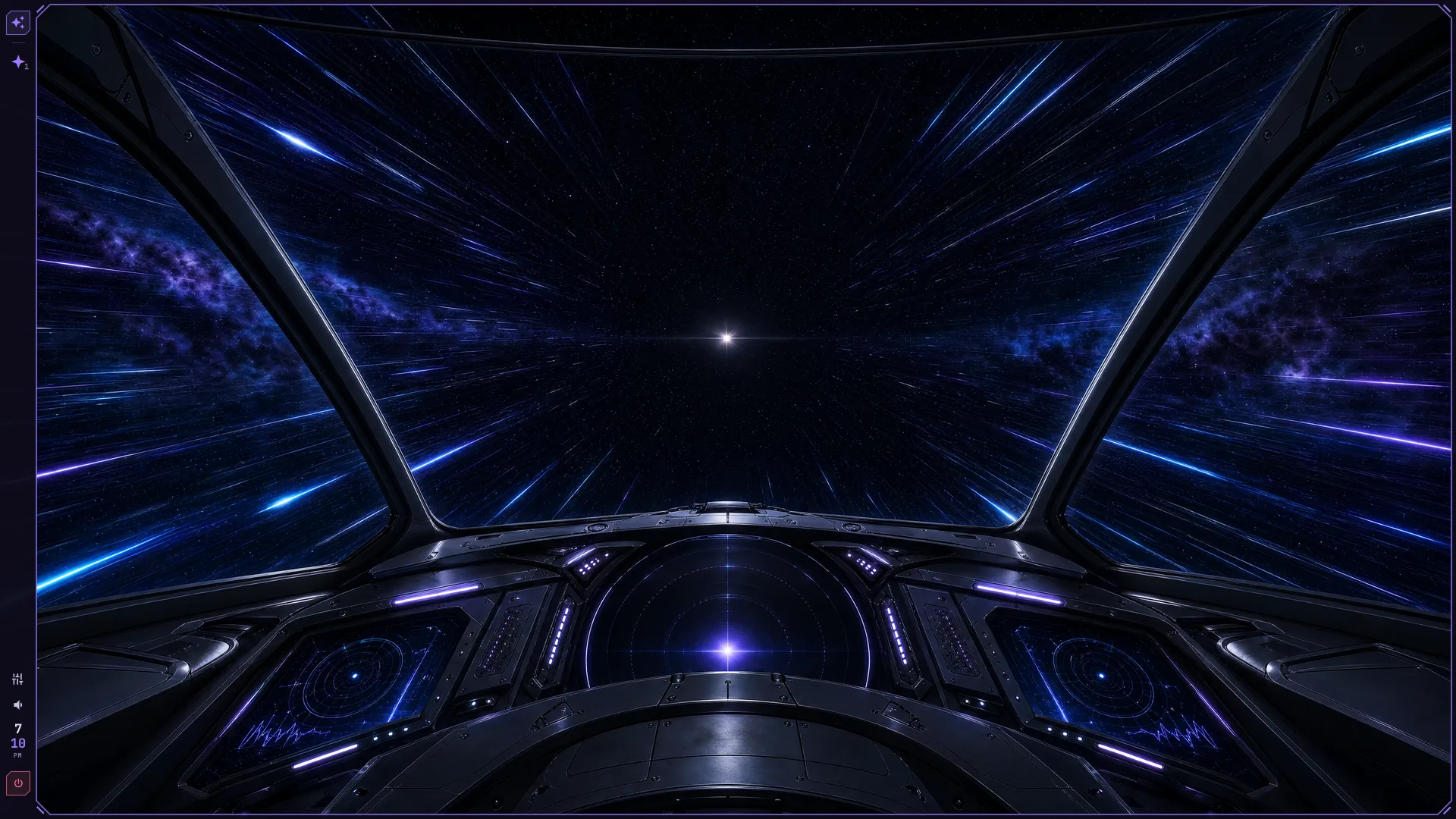
The Starchaser cockpit
The default desktop with a starship cockpit wallpaper and a slim side taskbar.
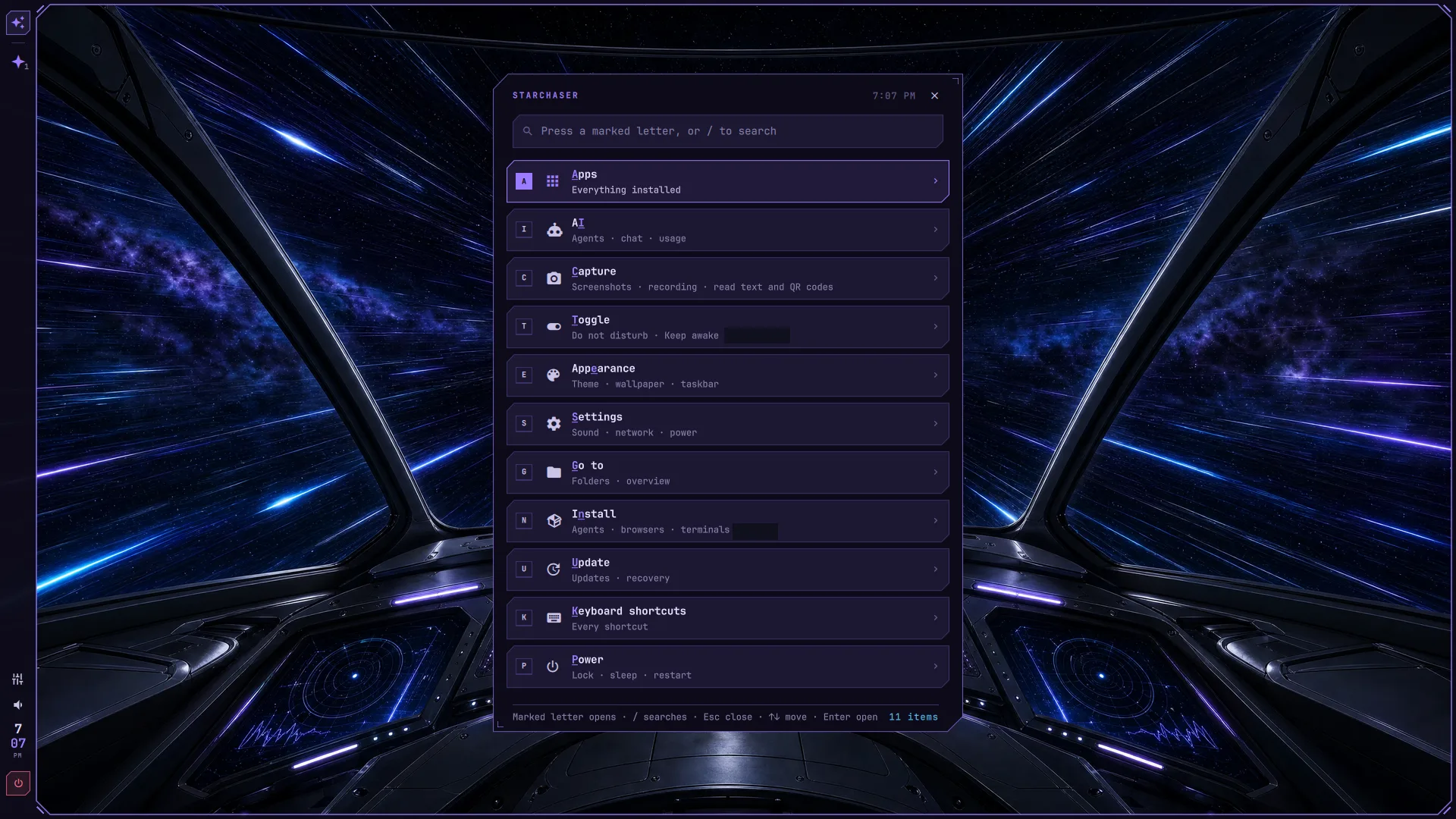
Everything within reach
The app menu with shortcuts to apps, capture, appearance, and settings. Selected text masked.
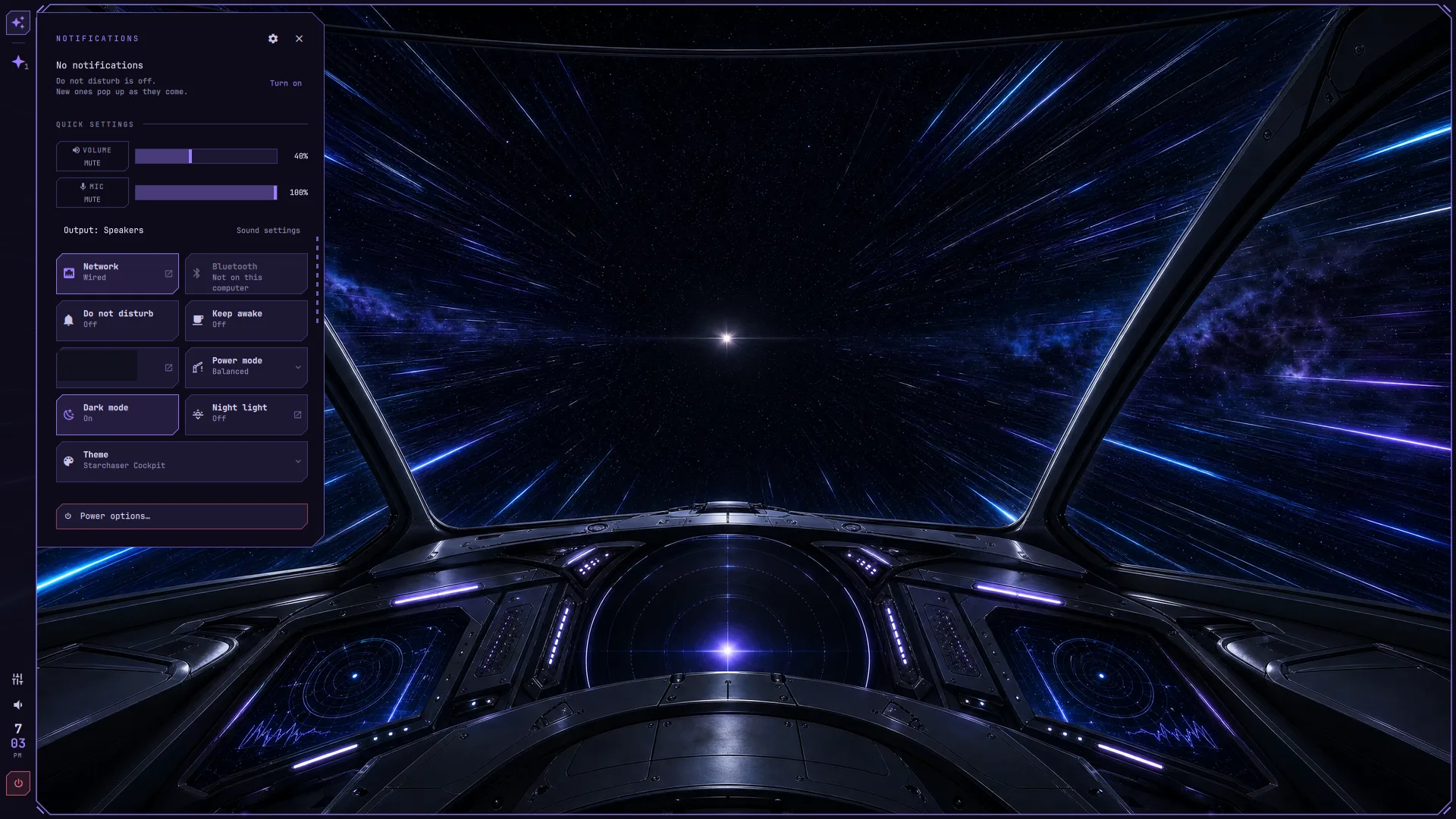
Quick settings
Sound, network, power, and theme controls beside the desktop. Selected text masked.
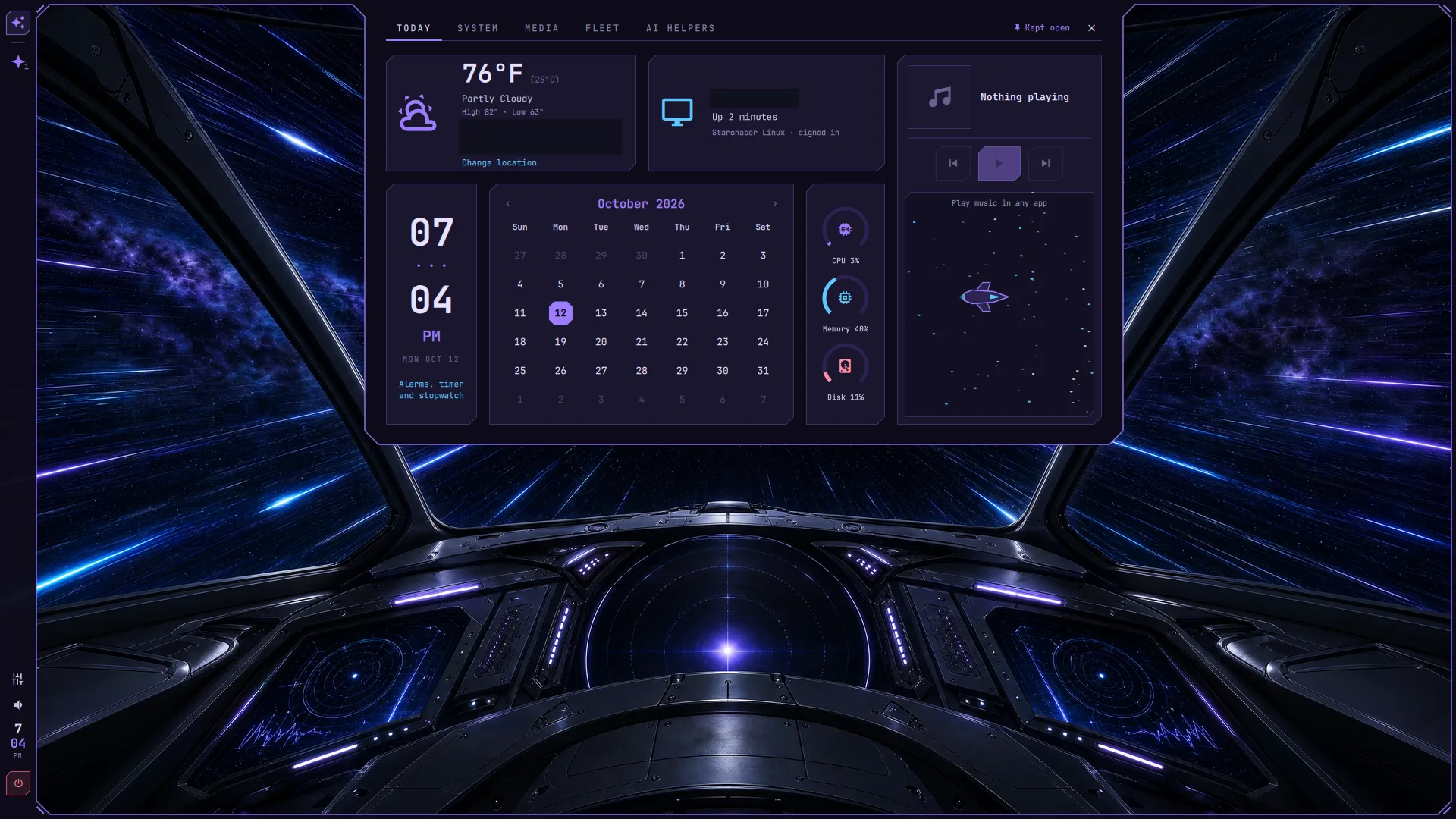
Your day, at a glance
The Today panel with weather, calendar, media, and system gauges. Identifying text masked.
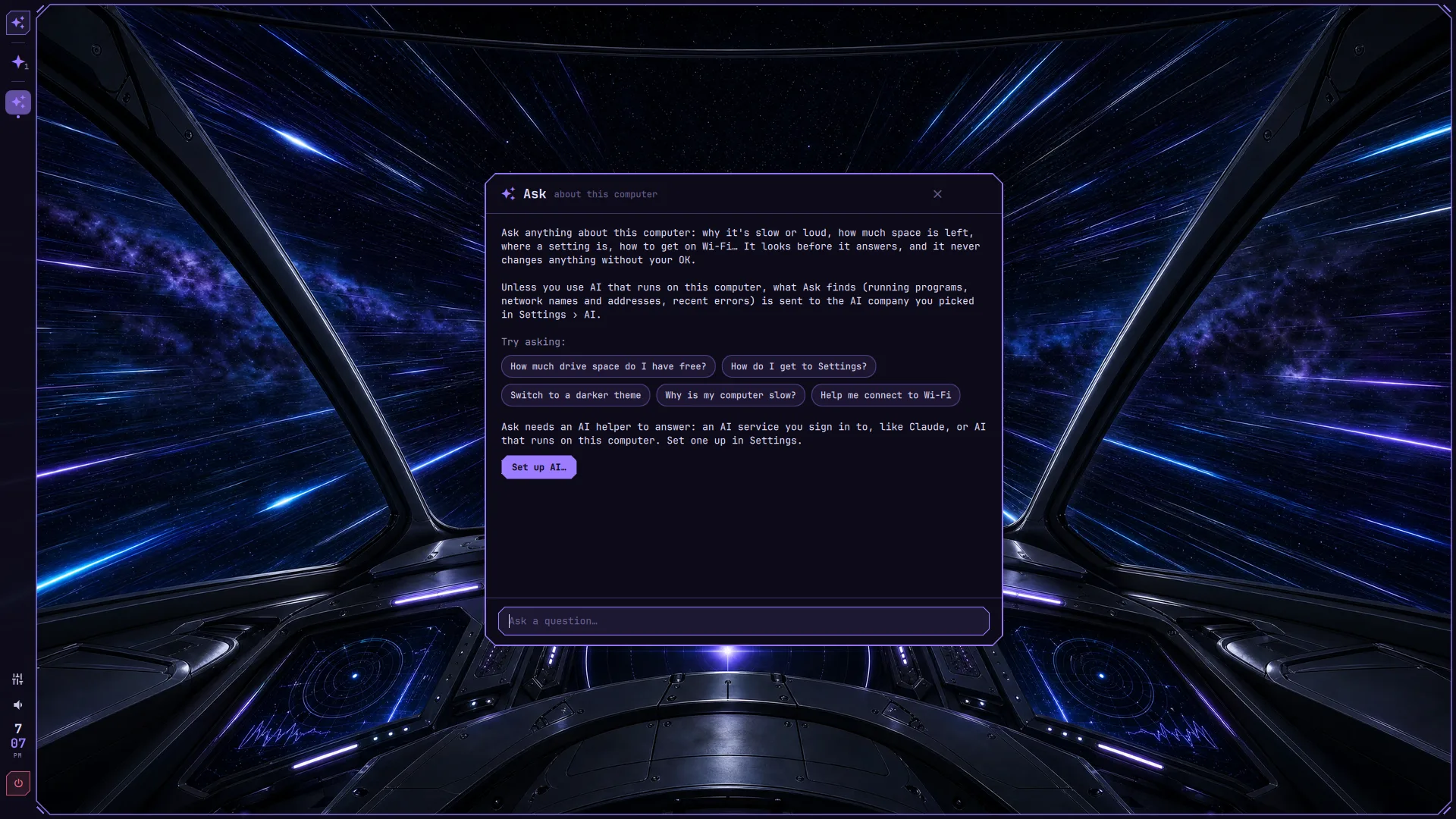
Ask about this computer
Plain-language help with example questions and a clear privacy explanation.
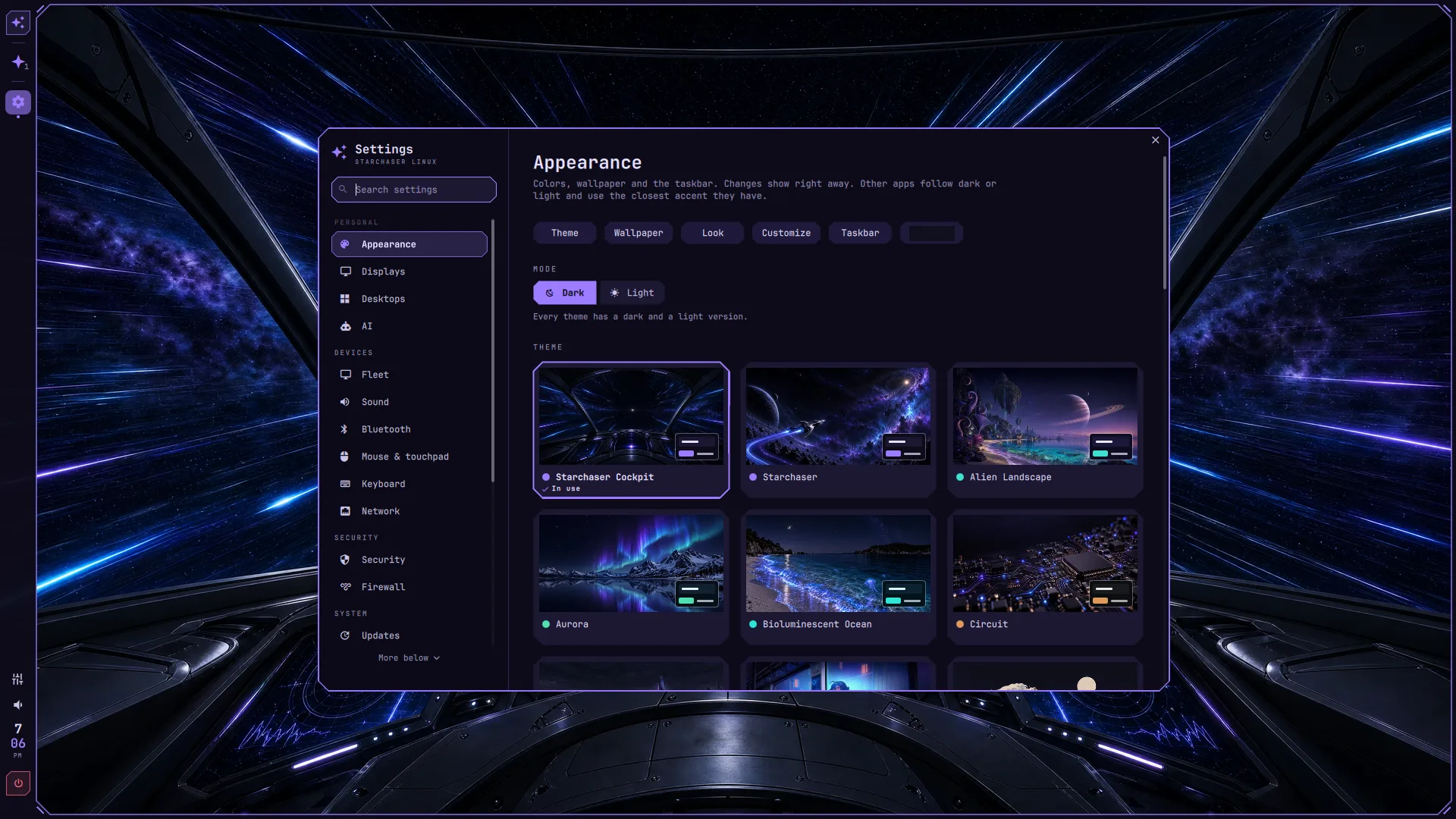
Make it yours
The Appearance page with theme previews and light and dark choices. Selected text masked.
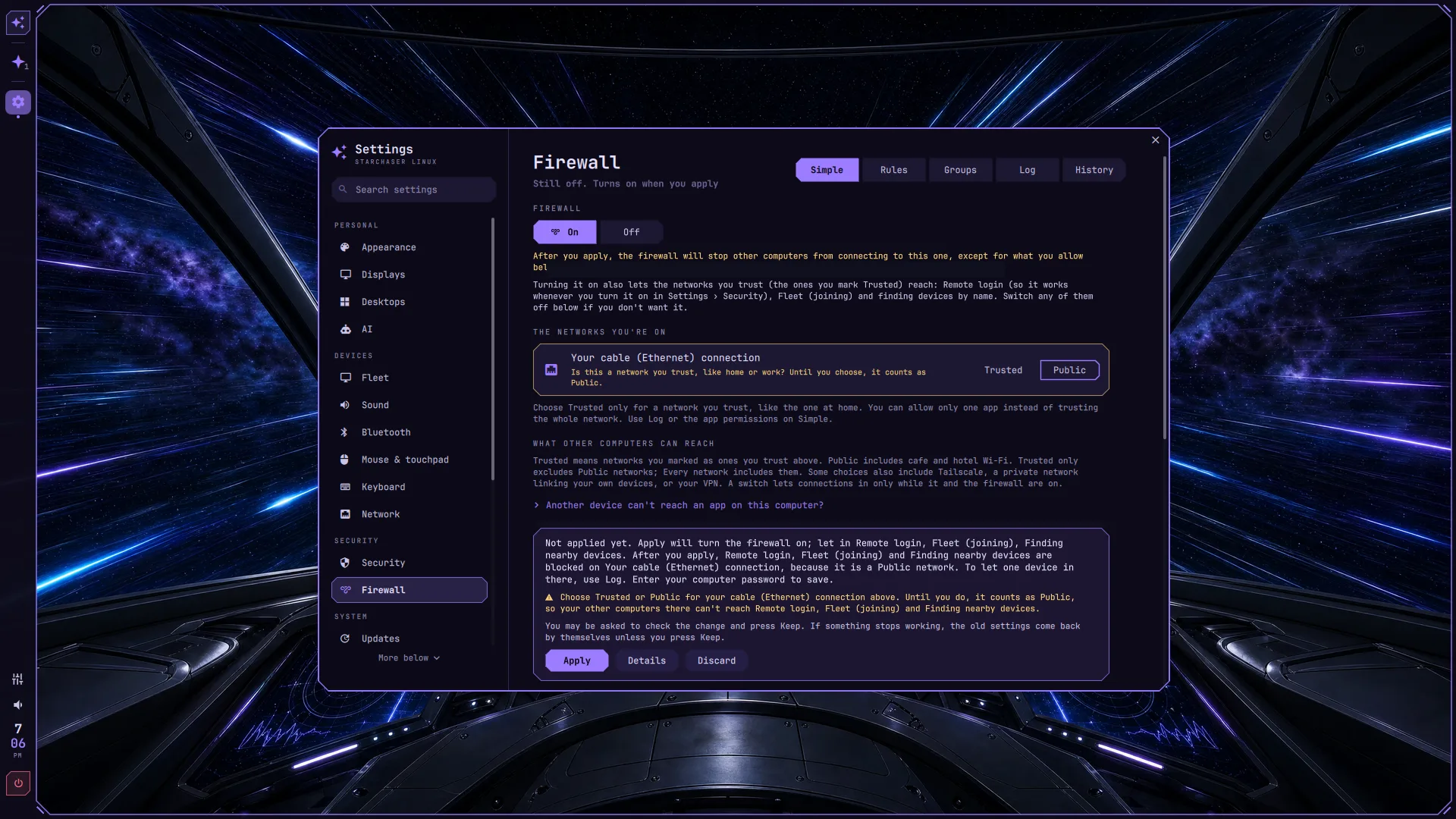
Clear connection controls
The Simple firewall page with network trust choices. Selected text masked.
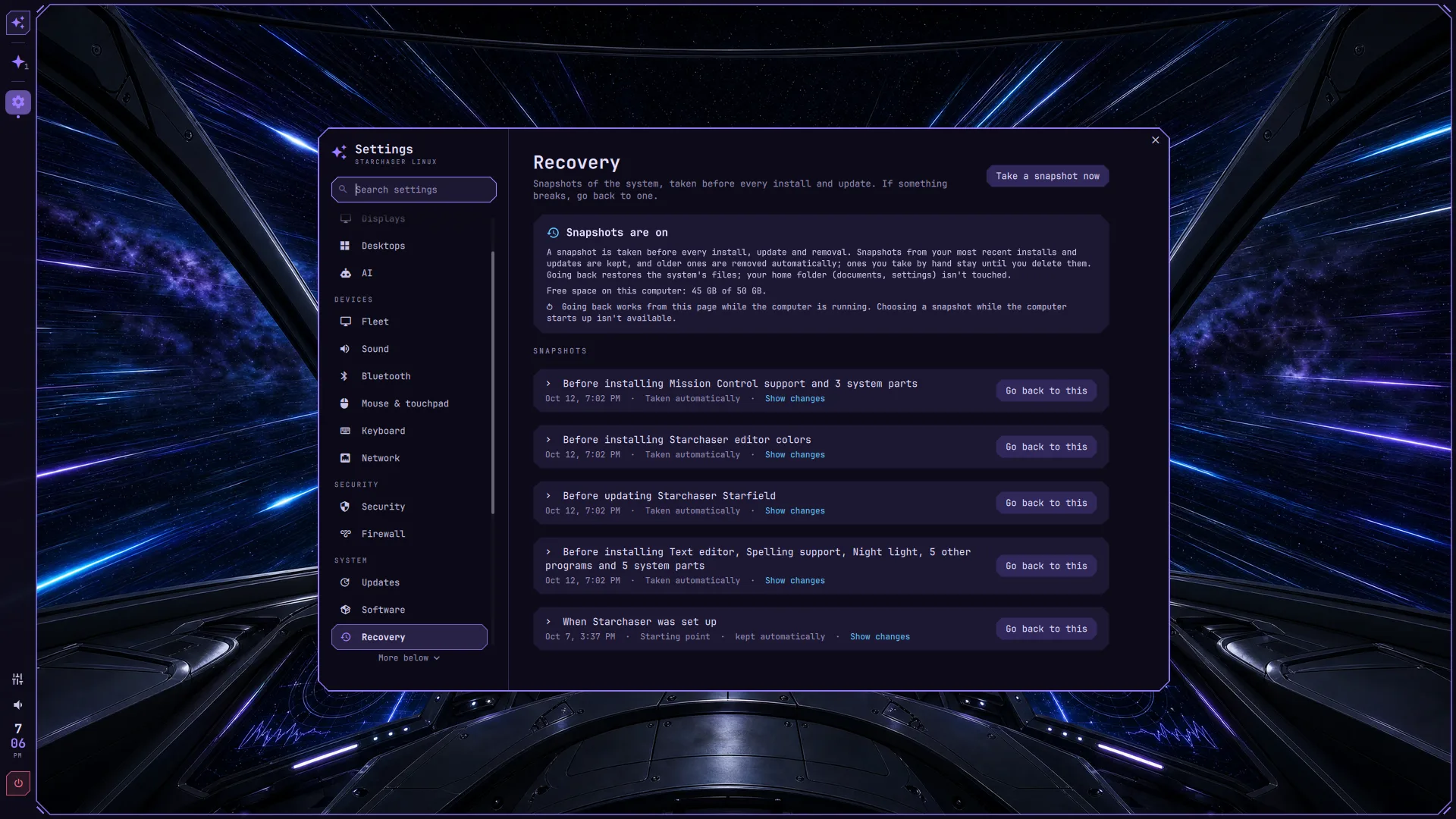
A way back
Restore points in Settings, with changes described in plain words.
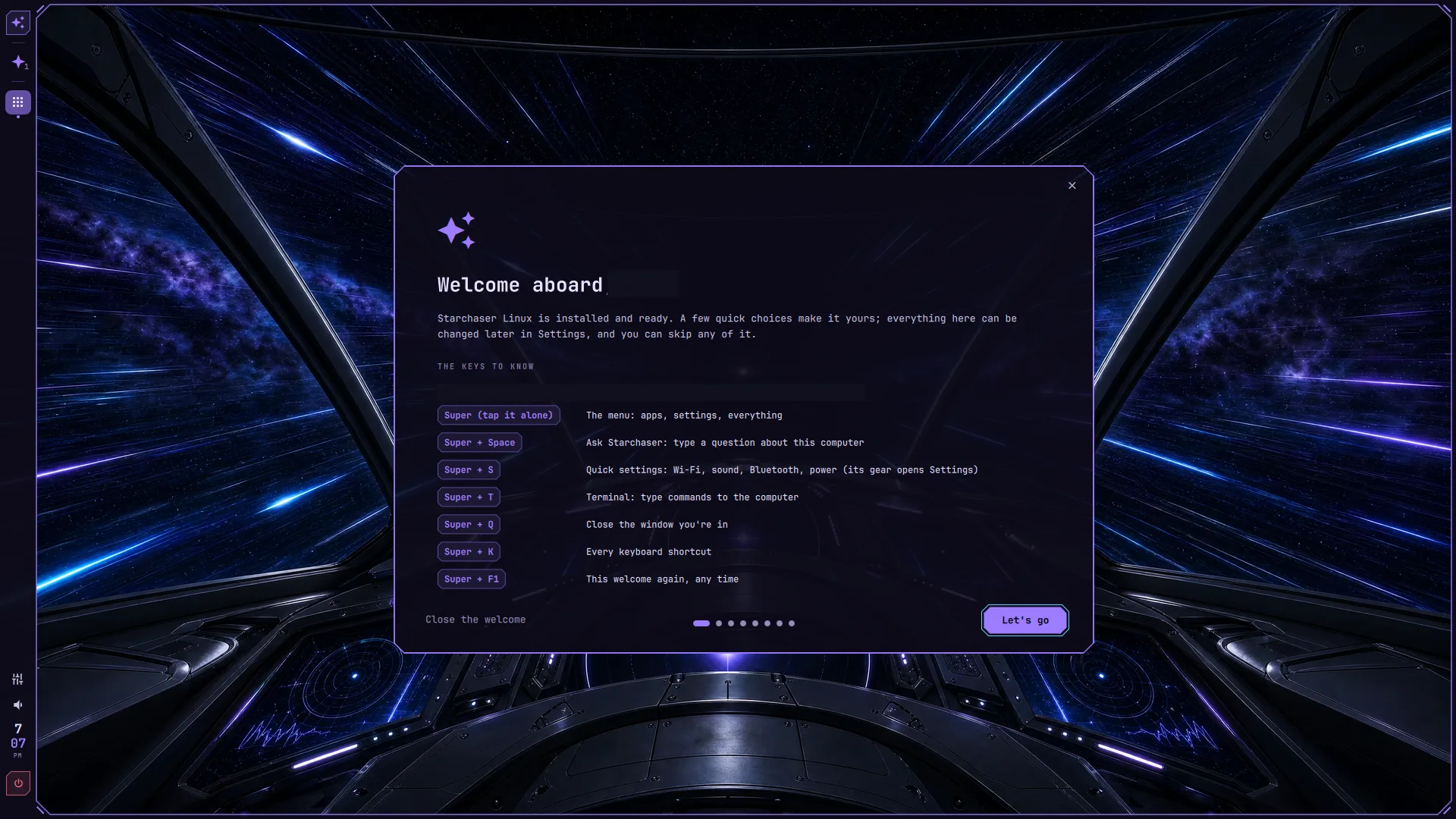
Welcome aboard
The welcome tour introduces the desktop and its shortcuts. Name and selected text masked.
04 captures
Themes
Four views of the same desktop.
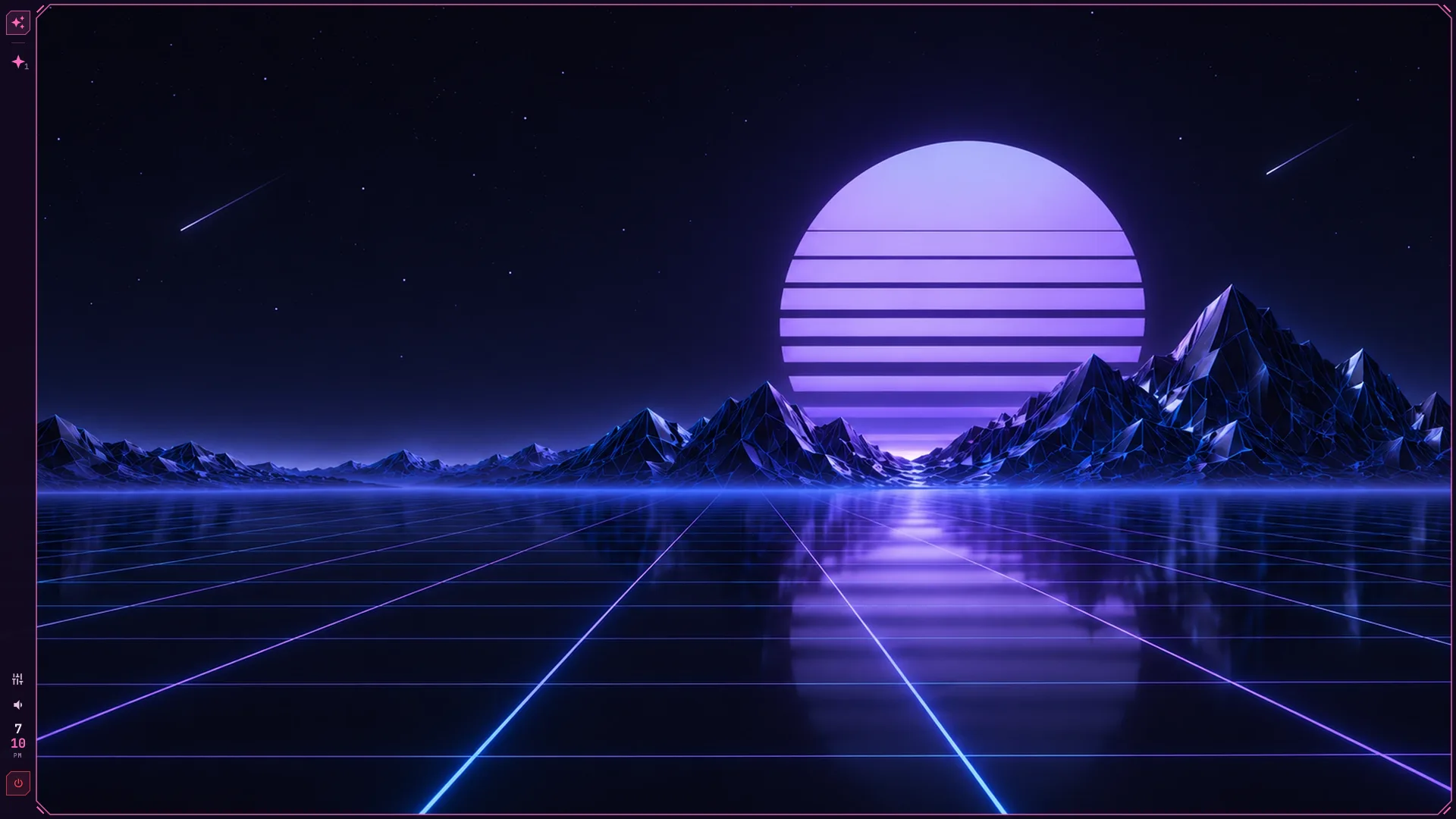
Synthwave
A neon landscape, violet sun, and mountains.
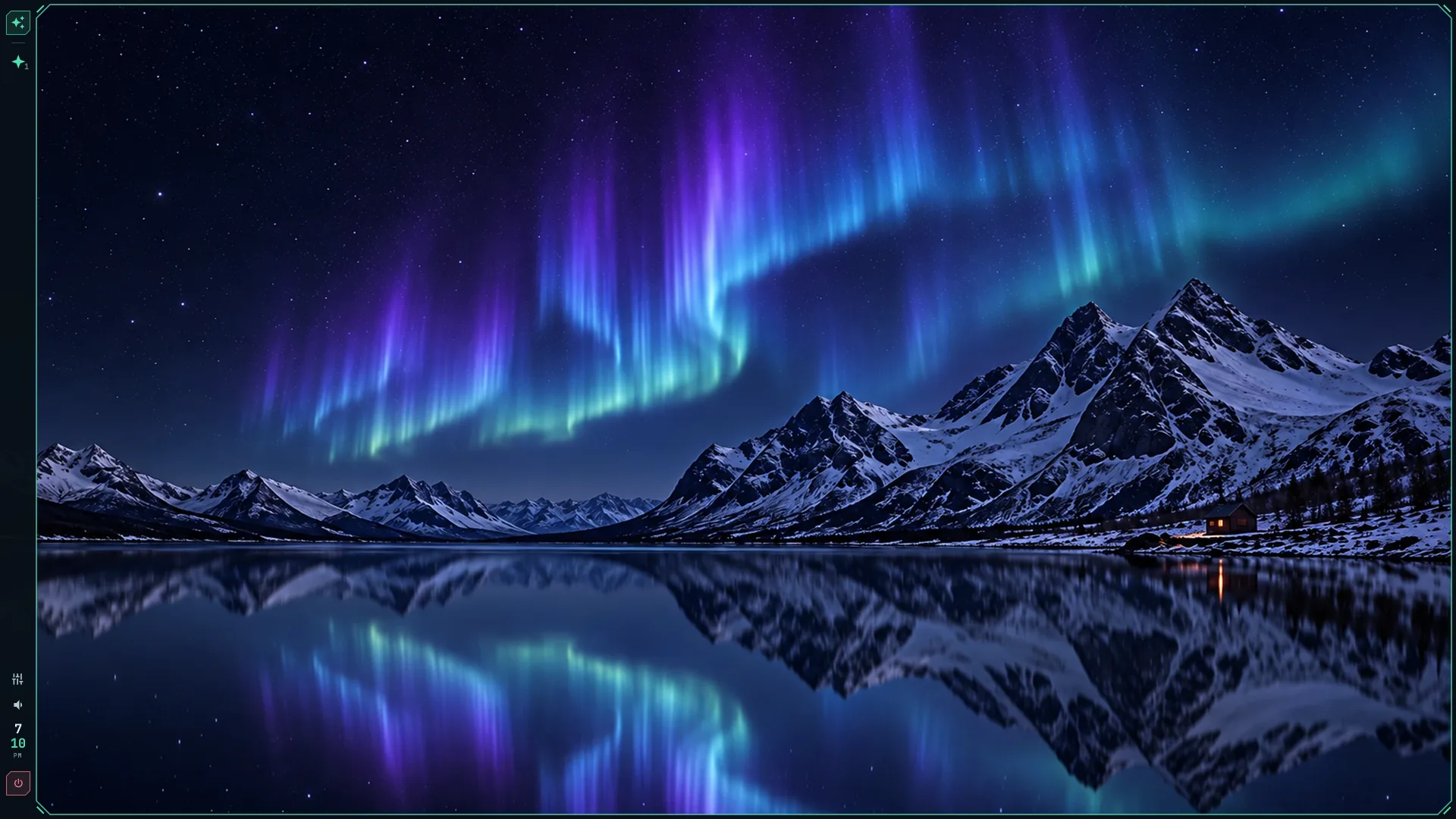
Aurora
Northern lights over a still mountain lake.
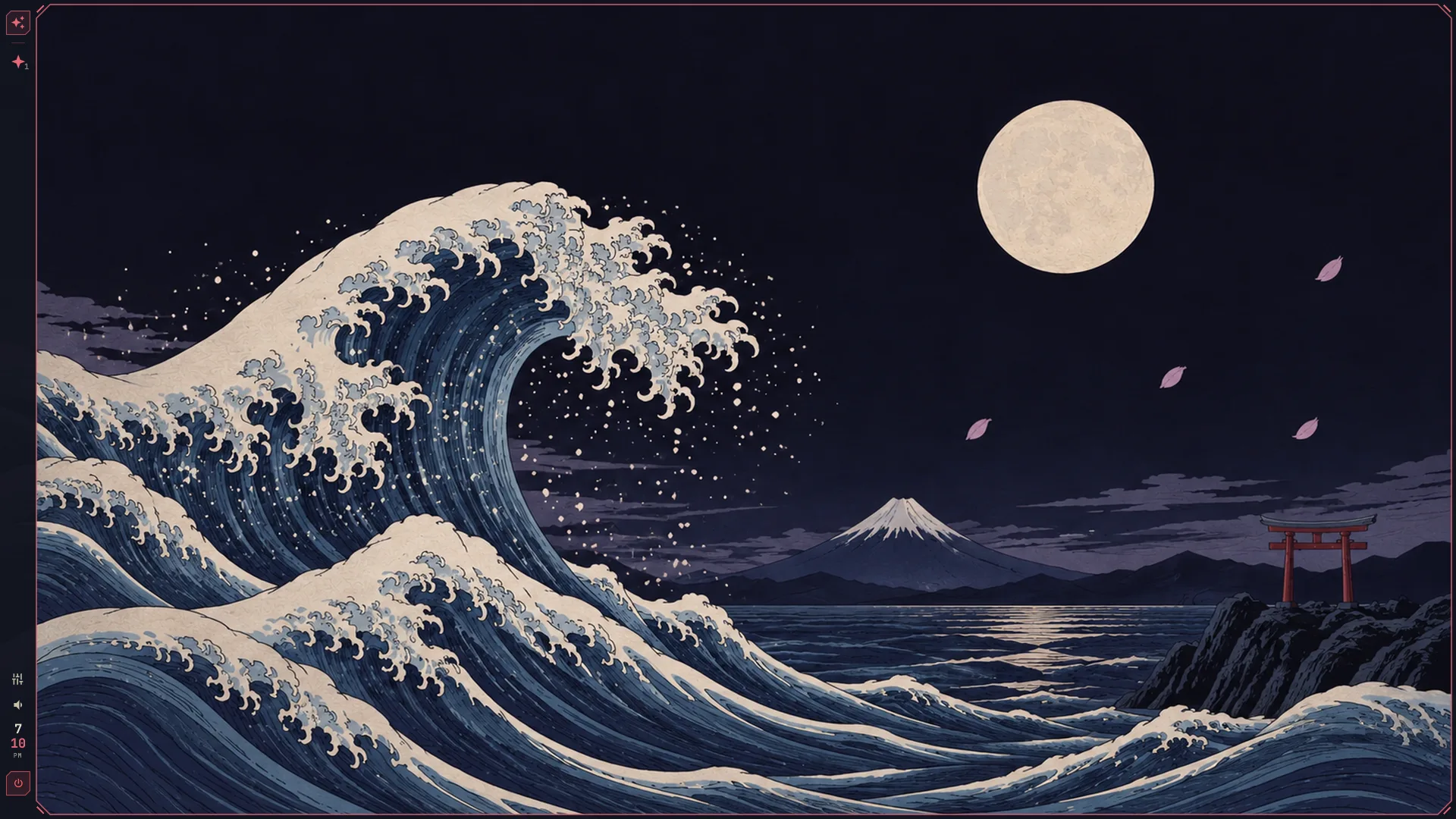
Japan
Moonlight, ocean waves, and a distant mountain.
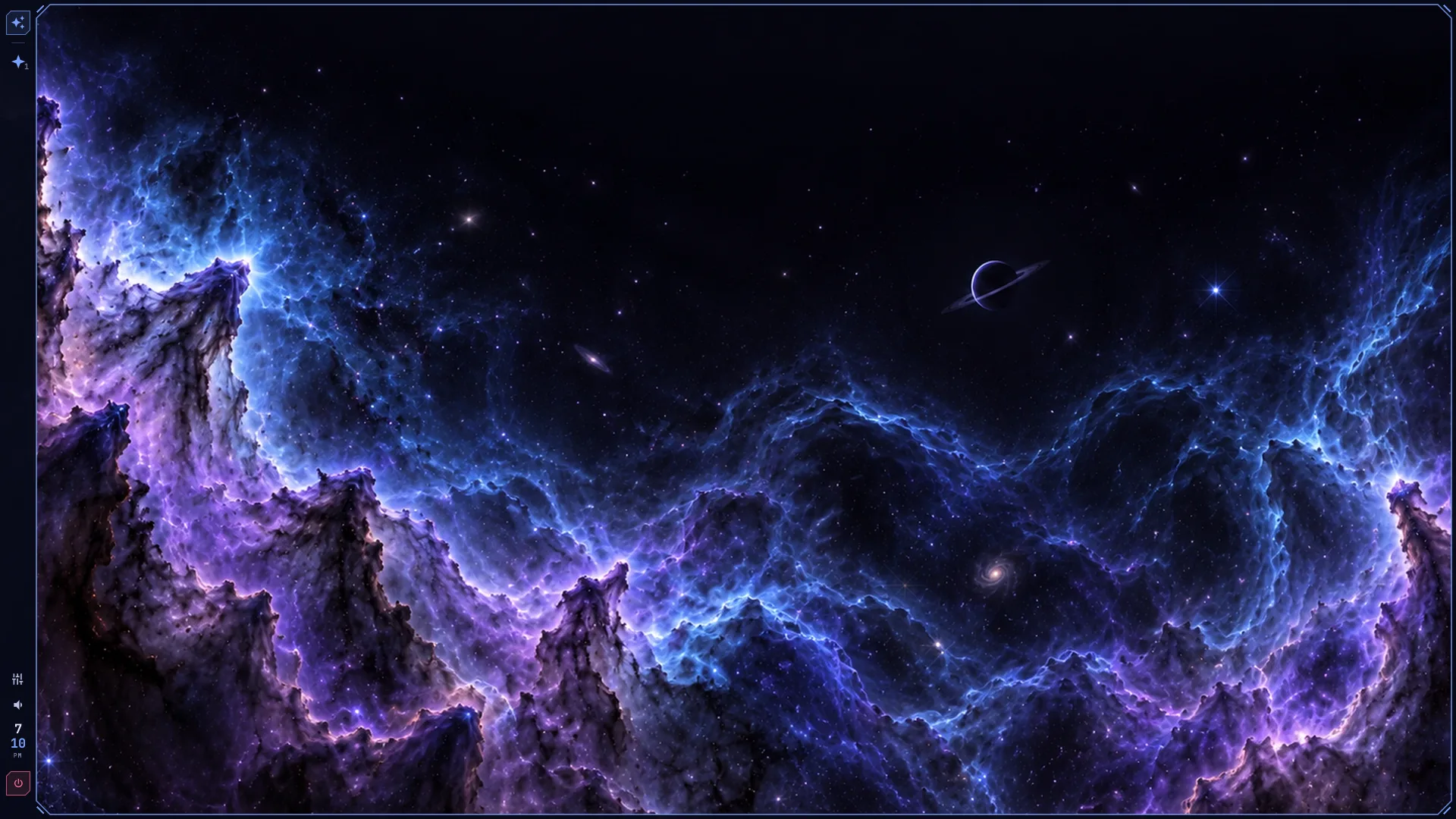
Nebula
Violet and blue clouds across a field of stars.
04 captures
Screensavers
A different pace when you step away.

Warp
Starlight stretching across space.
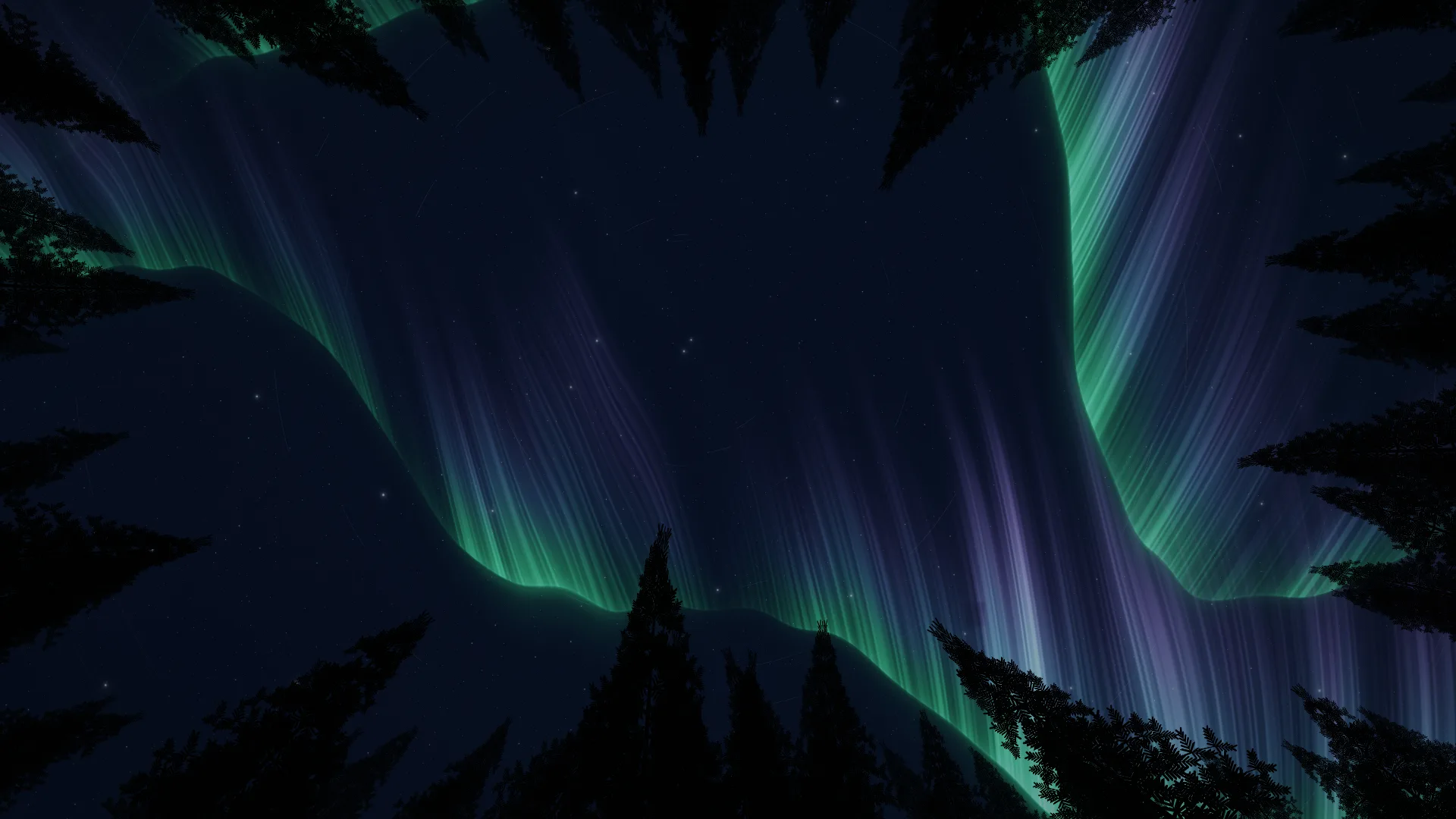
Polar
An aurora above a forest silhouette.
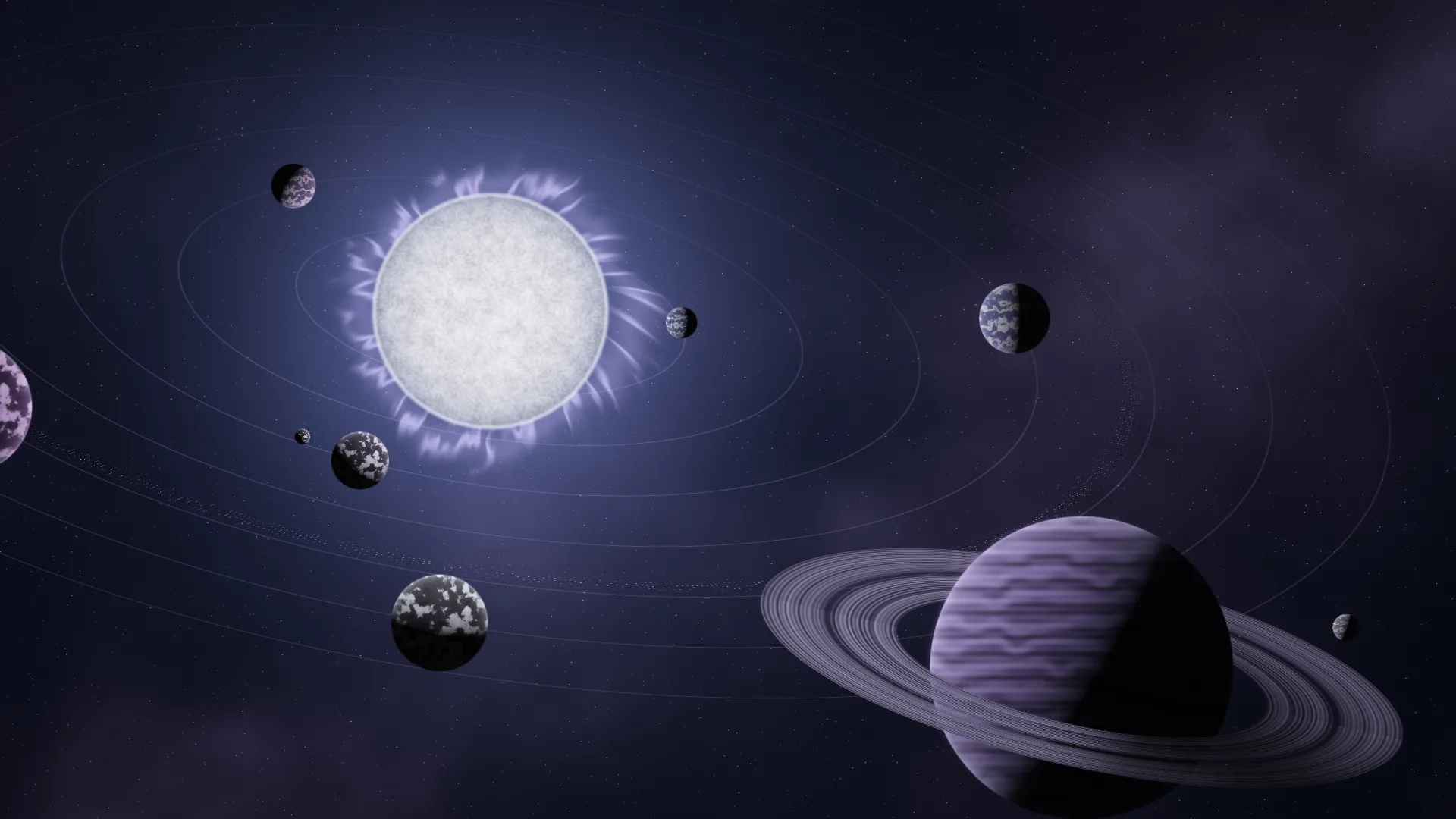
Orrery
Planets circling a glowing star.
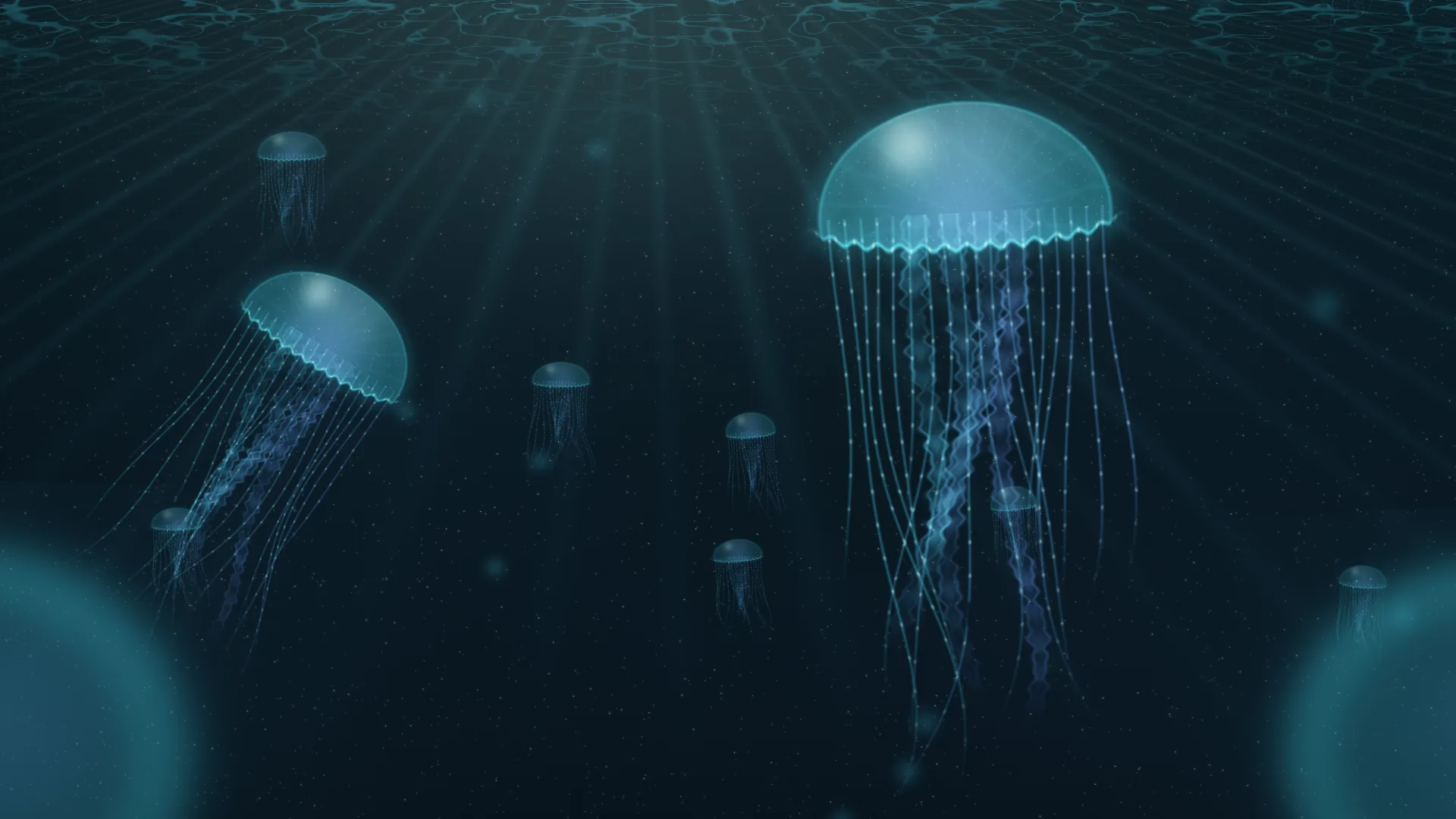
Jellyfish
Glowing jellyfish drifting beneath the surface.